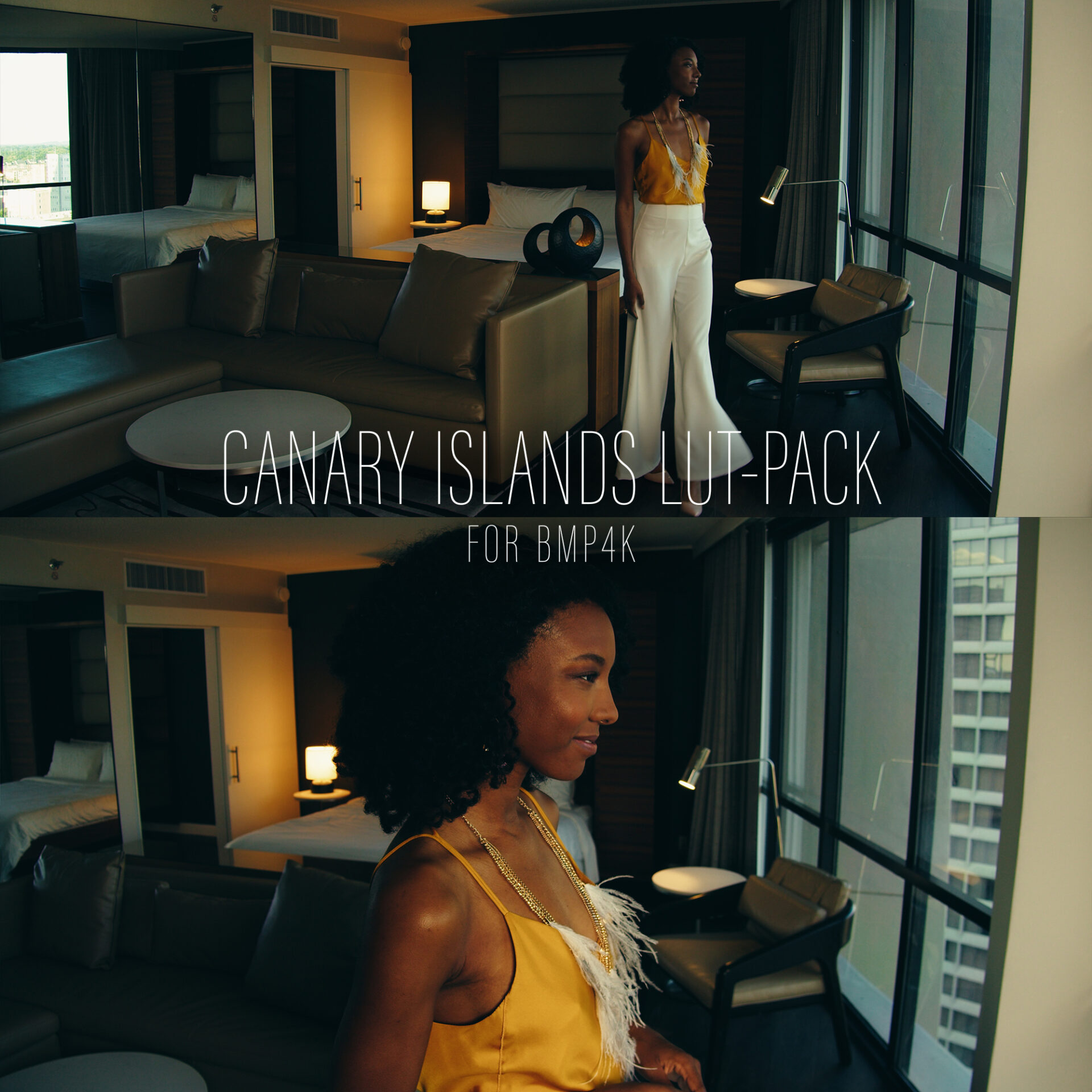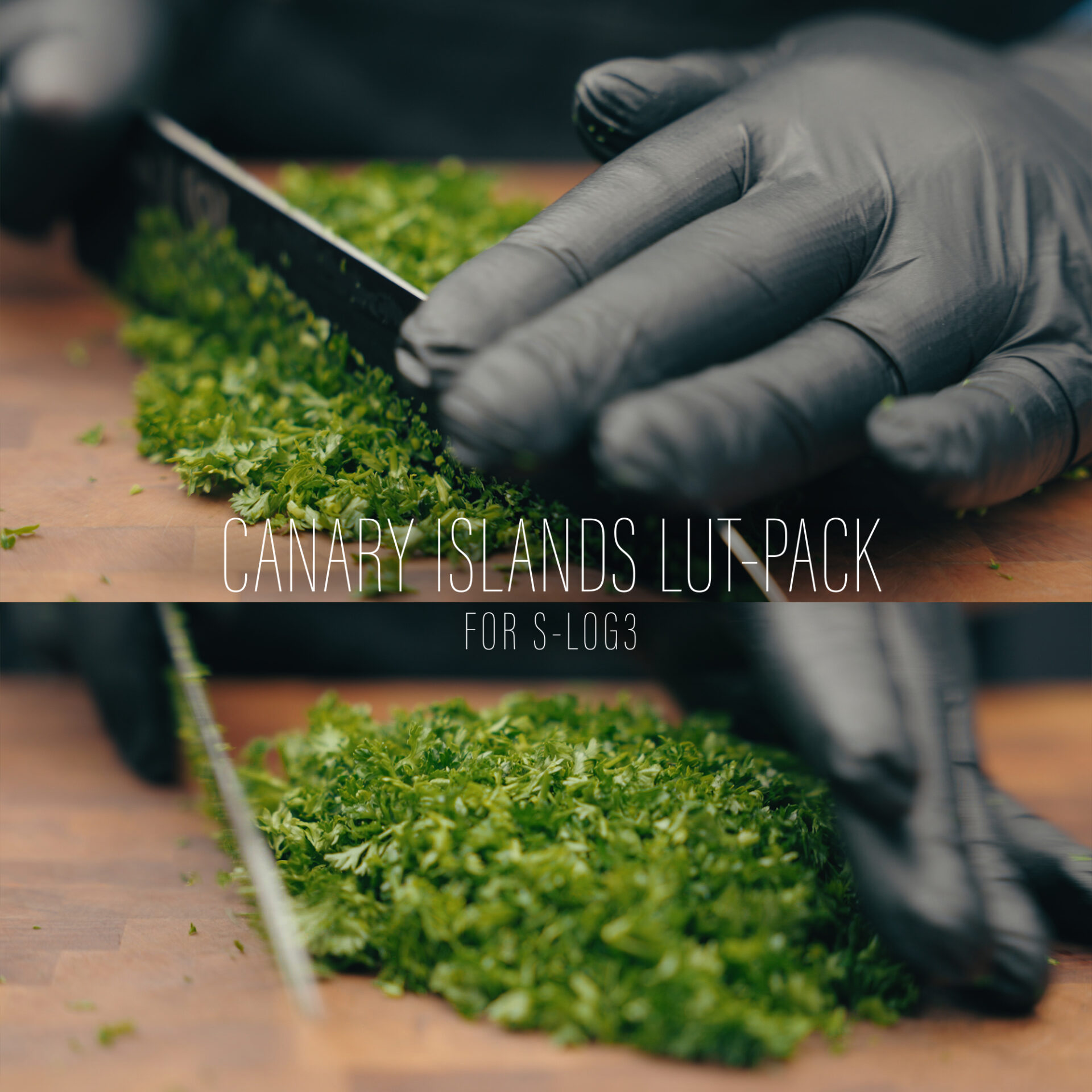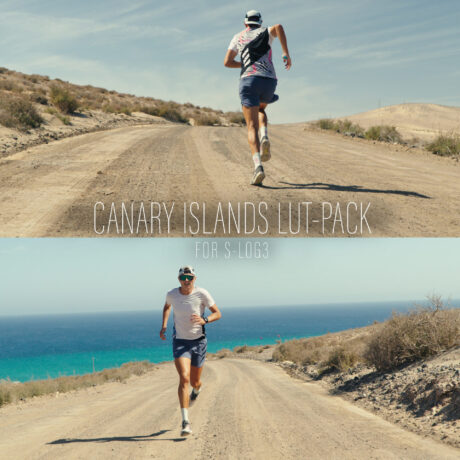
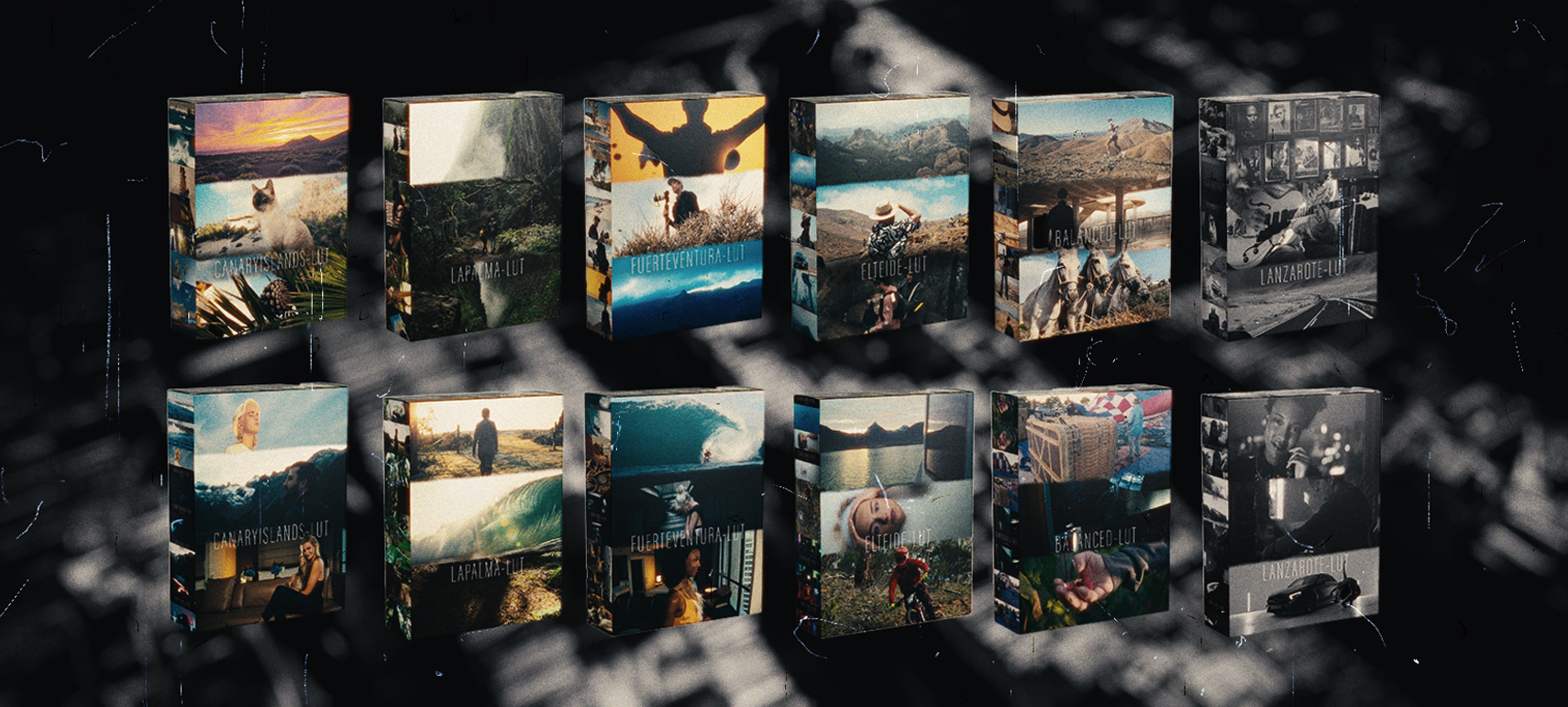

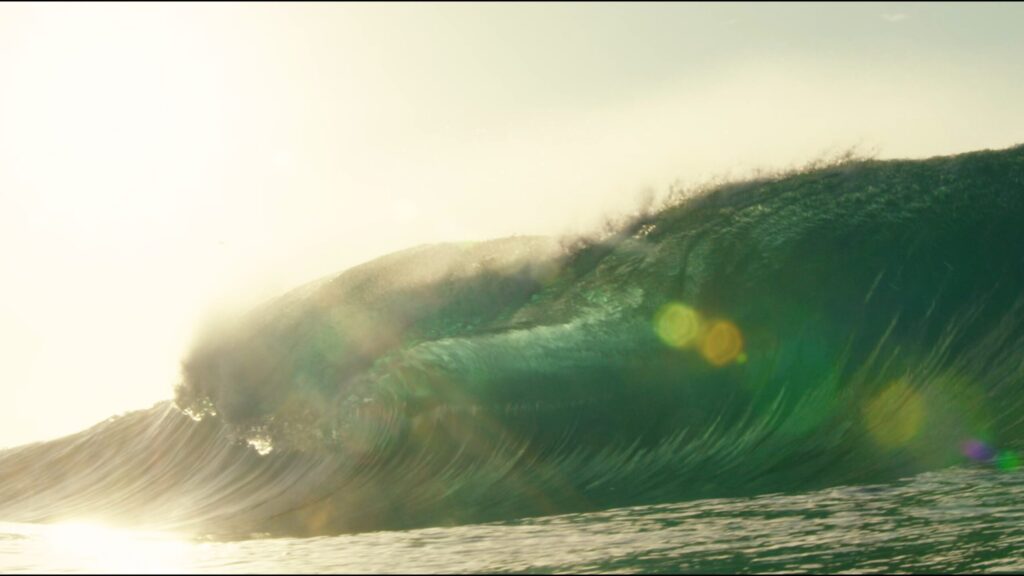
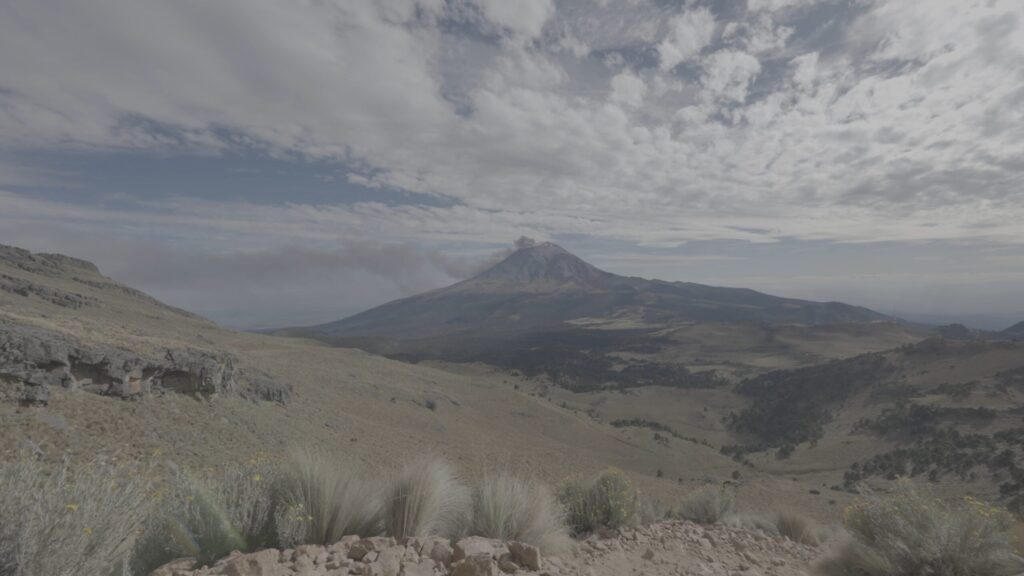
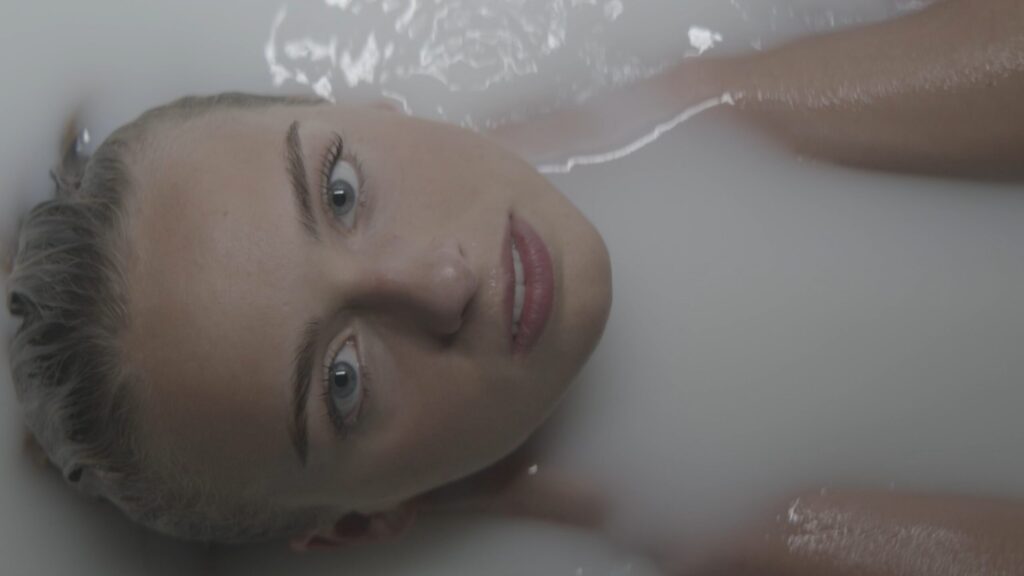
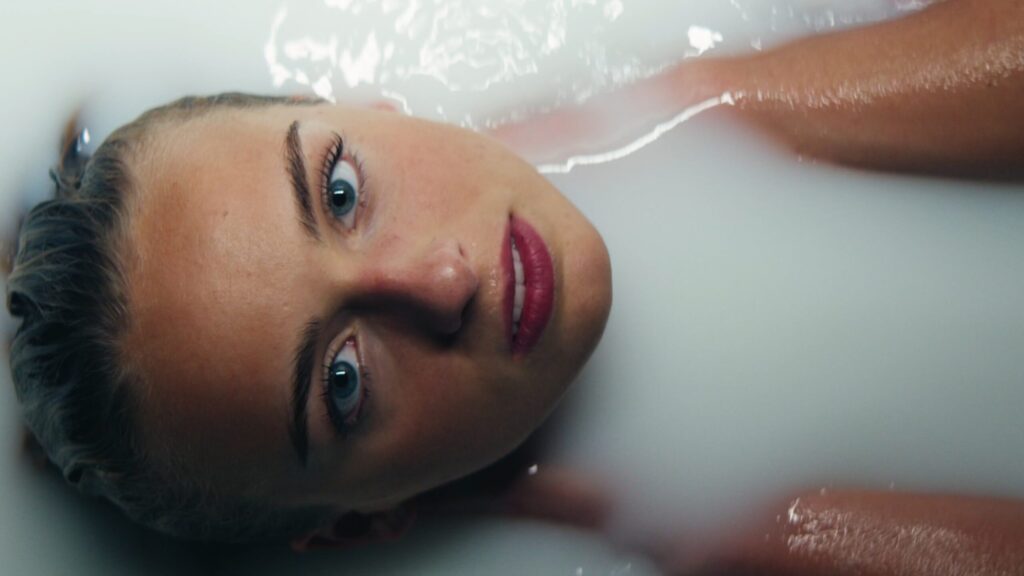
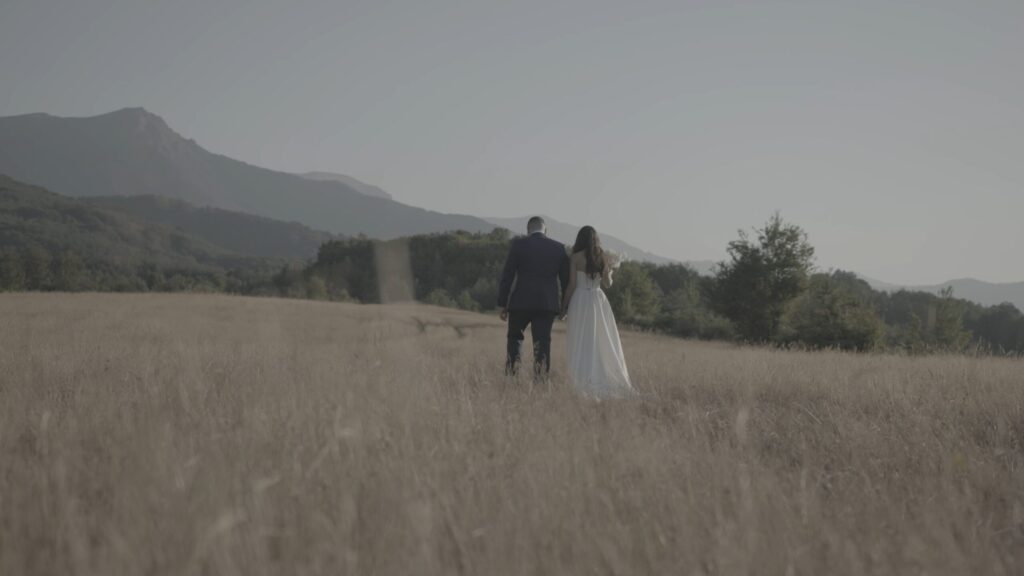




Transform your videos with the vibrant colors of the Canary Islands! Our LUT Pack features 6 stunning LUTs, each with 5 variations, including Kodak 2383 and Fujifilm 3513 emulations. Instantly elevate your footage with cinematic color grading. Discover your perfect look today!
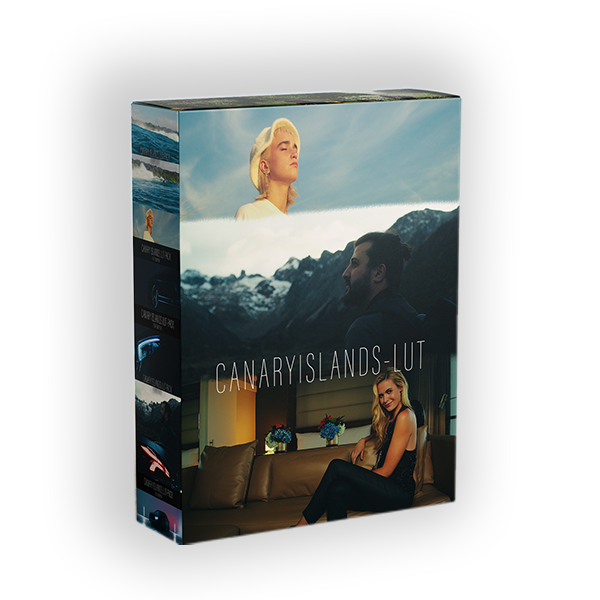
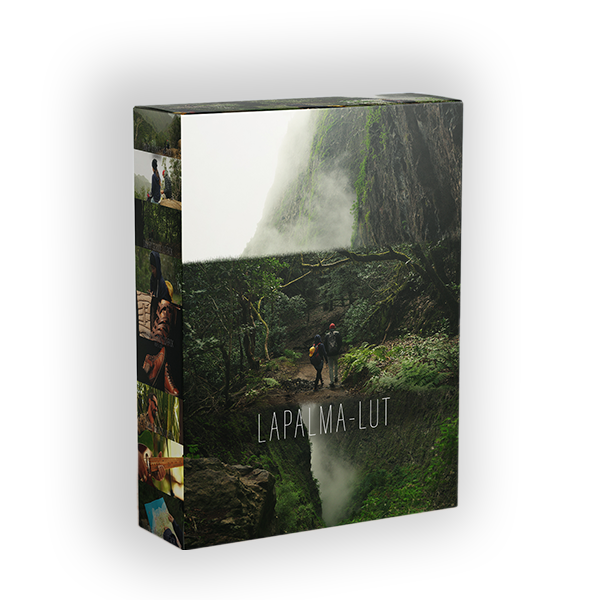
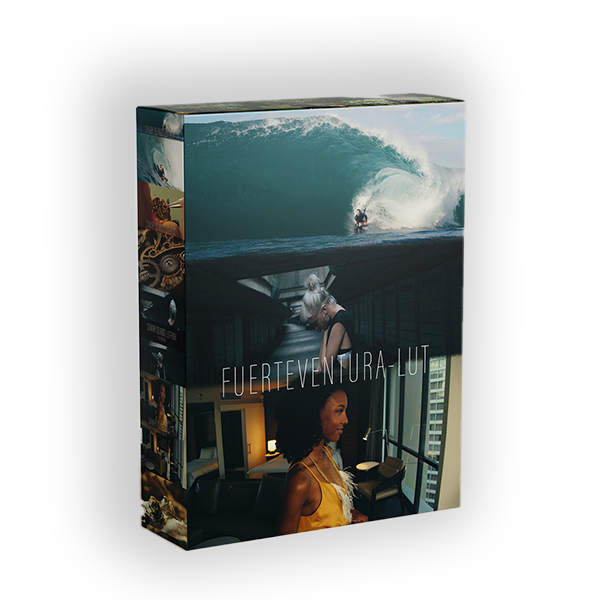
The Canary Islands LUT Pack offers six distinct LUTs, each capturing the essence of the islands‘ diverse landscapes. From the vivid reds of ‚CANARYISLANDS‘ to the lush greens of ‚LAPALMA,‘ and the warm golds of ‚FUERTEVENTURA,‘ this collection provides a wide range of styles. ‚ELTEIDE‘ delivers cool blues, while ‚BALANCED‘ offers a neutral, harmonious look. The pack also includes ‚LANZAROTE,‘ a set of black and white LUTs inspired by classic cinema. Each LUT comes with five variations, including REC709, Kodak 2383, and Fujifilm 3513 emulations, giving you unparalleled creative control over your color grading.
This LUT pack provides three distinct styles: REC709 for a neutral, accurate base; Kodak 2383 for a warm, classic cinematic look; and Fujifilm 3513 for a cooler, modern aesthetic. These options offer versatile color grading for any project.


8-Islands – The Hawaii of Europe.
As the most cinematic LUT in the series, it impresses with luminous reds, intense blues and greens, and subtly increased contrast.
The green island. Home to one of the last tertiary primeval forests in Europe.
By combining rich green tones and warm gold accents, this LUT creates a lush, cinematic look. It emphasizes natural landscapes and refines skin tones with a golden shimmer.
The golden island. Golden sandy beaches, empty desert and volcanoes.
With a soft, warm golden hue, this LUT is perfect for scenes shot in tungsten-colored light. It gives the image a sun-drenched, inviting atmosphere.
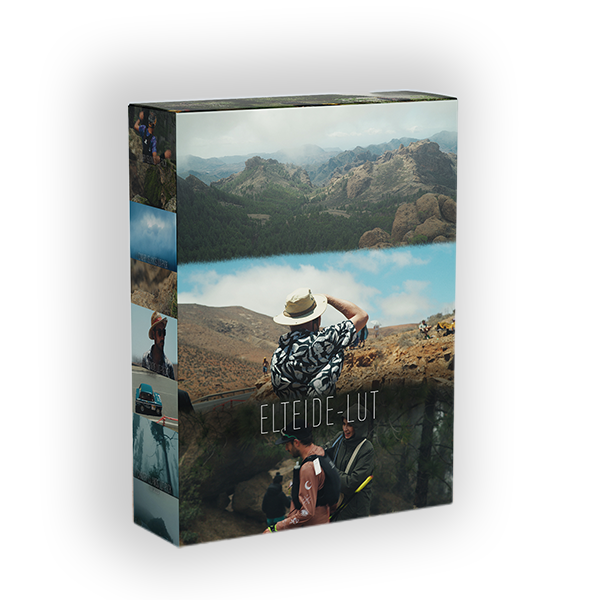
The highest peak in the Atlantic Ocean. At 3,715 m between the clouds
This LUT immerses the image in cool, deep blue tones and gives it a fresh, icy feel. It is particularly impressive for subjects with blue eyes and provides a vibrant, cool look.
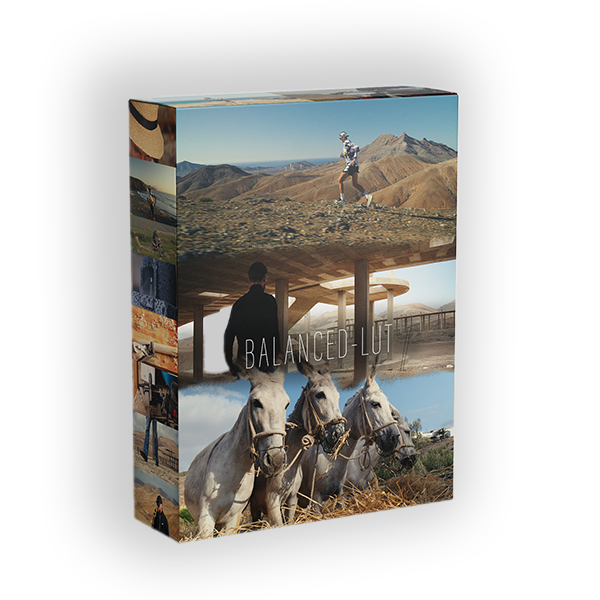
This LUT was developed to create a balanced, harmonious, and neutral look. It impresses with a balanced, natural reproduction of skin tones.
Thanks to its color fidelity in primary colors and skin tones, it provides a balanced and neutral basis for further color grading.
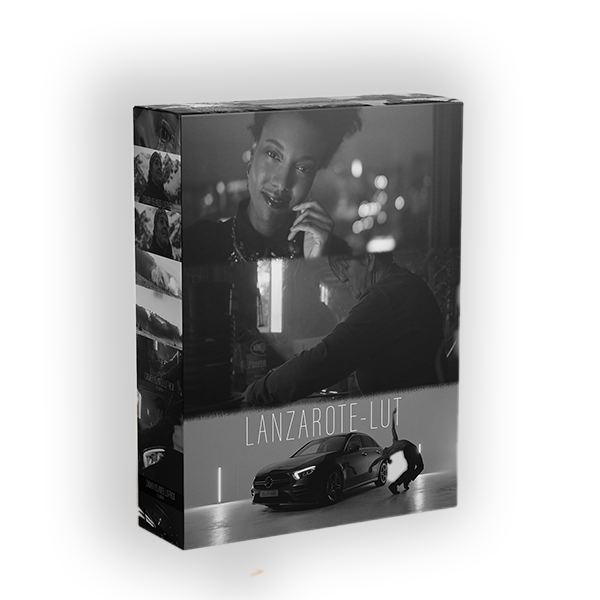
The Black and White LUT
The LUT was developed to show the timeless elegance of black and white film. Inspired by the iconic aesthetic of recent cinema, this LUT deliver a cinematic look with smooth contrasts and a refined tonal curve.
Explained using the example of the FuerteventuraLUT:
01-Fuerteventura.cube (The „normal“ Rec-709 standard version of the LUT)
02-Fuertevenutra-Kodak2383 (The „cinematic“ Kodak version of the LUT with the typical Kodak-2383 characteristics)
03-Fuertevenutra-FujiFilm3513 (The „cinematic“ Fujifilm version of the LUT with the typical FujiFilm-3513 characteristics)
A classic interpretation for versatile use.
Emulates the legendary look of Kodak 2383 film stock for a warm, rich black and white effect.
Captures the subtle nuances of Fujifilm 3513, giving your images a soft, nuanced look.
Kodak 2383 is a legendary film emulsion look that is primarily used in color correction and film editing as a reference for a classic, cinematic look. It is known for its characteristic properties that give many cinematic films their distinctive style. Here are the typical characteristics of Kodak 2383:
Warm Skin Tones
Kodak 2383 naturally emphasizes skin tones, giving them a warm, slightly golden hue. This ensures a pleasant and lively representation of faces.
Saturated, Deep Colors
The LUT is characterized by saturated yet natural colors. Red and green tones in particular are intensified without appearing overloaded.
Soft Highlights
The highlights (bright areas of the image) are gently compressed, resulting in a soft, cinematic look. This avoids overexposed areas and the image retains detail in the bright areas.
High-Contrast Look
Kodak 2383 offers a balanced contrast with deep but not too harsh shadows. This gives the image depth and dimension without making it appear too dark or flat.
Cinematic Color Tints
Typical are subtle color tints in the shadows and midtones. Shadows are often slightly bluish, while midtones have a warm, slightly yellowish tint. This creates a harmonious color balance.
Lower Saturation in the Shadows
The shadow areas are less saturated, which contributes to a natural and cinematic look. This prevents dark areas from appearing too dominant or colorful.
Cinematic Feel
Overall, Kodak 2383 creates a timeless, cinematic look reminiscent of classic Hollywood films. It is particularly popular for narrative projects that are intended to have a warm, emotional, and cinematic character.
Fujifilm 3513 (also known as Fuji Eterna 3513) is another iconic film emulsion LUT known for its unique, cinematic look. Compared to Kodak 2383, Fujifilm 3513 has a somewhat more modern and cooler character, which is often used in film and video production. The typical characteristics of Fujifilm 3513:
Cooler Color Temperature
Fujifilm 3513 tends towards a slightly cooler, bluish look compared to the warm Kodak 2383. This gives the image a more modern and neutral character.
Natural Skin Tones
Skin tones are reproduced precisely and naturally, without overly strong warm or golden undertones. This makes it particularly suitable for projects that require a realistic and unobtrusive look.
Lower Saturation
The colors are less saturated compared to Kodak 2383 and appear more restrained. This leads to a more subtle and natural color impression.
Soft Contrasts
Fujifilm 3513 is characterized by soft contrasts that make the image appear harmonious and balanced. The shadows are not too deep and the highlights are gently held.
Subtler Color Tints
In contrast to Kodak 2383, which often has warm color tints in the midtones and cool tints in the shadows, Fujifilm 3513 is generally more neutral. Any color tints are subtle and less pronounced.
Modern, Clean Look
Fujifilm 3513 has a modern, almost clinically clean look that is well suited for contemporary projects. It is often used in commercials, music videos and modern films.
Detailed Shadows
The shadow areas retain more detail and appear less contrasty than with Kodak 2383. This ensures a more even brightness distribution in the image.
CANARY-ISLANDS-LUTs function with any video editing software that supports the use of .cube LUT files. This includes applications on macOS, Windows, and mobile devices.
Examples of compatible software include:
Davinci Resolve Studio (all versions)
Adobe Premiere Pro (all versions)
Final Cut Pro (all versions)
CapCut
LumaFusion
Capture One
Kinemaster
Avid Media Composer
Sony Vegas
In essence, if your editing program can utilize .cube files, it’s compatible.
Immediately after your purchase, you’ll receive an email containing a download link for your new LUTs.
This link will remain accessible, allowing you to download your LUTs whenever needed.
Please verify the accuracy of your email address before finalizing your purchase.
In short: 65x LUTs are high-resolution LUTs for post-production editing, offering superior accuracy, while 33x LUTs are used for in-camera and monitor viewing due to their efficient processing and smaller size.
65x LUTs provide a more precise color transformation due to a greater number of color values. They are recommended for color grading in your NLE, especially with tetrahedral interpolation.
33x LUTs, while suitable for editing, contain less color information. Their smaller size makes them ideal for monitoring, fitting the constraints of in-camera and monitor displays. They are less recommended for baking into footage, except in specific cases like live streaming.
Briefly: Apply your LUT after exposure/white balance and color adjustments, and before effects.
In detail: The application method is flexible, but a good starting point is:
Create a first node for exposure and white balance.
Use a second node for color adjustments.
Apply the LUT in a third node.
Add effects in a fourth node.
This setup ensures color adjustments precede the LUT, and effects follow, incorporating all prior changes.
Here’s a simple guide:
In Premiere Pro, navigate to Lumetri Color.
Select „Creative.“
Choose your CANARY-ISLANDS-LUT from the „Look“ dropdown.
Applying the LUT in the „Creative“ tab ensures it’s applied after manual adjustments.
DaVinci Resolve is recommended for its advanced color management. Ensure your color space is set to Rec.709.
Detailed settings for DaVinci Resolve, Premiere Pro, and Final Cut Pro are found in the original document.
Ideally, avoid baking LUTs. It’s only recommended for live streaming or low-resolution video. Use 65x LUTs in post-production for optimal quality.
Baking 33x LUTs can limit image quality due to less color information and trilinear interpolation. Post-production grading is also less flexible with baked-in footage.
No, these LUTs are designed for video only, due to differences in RAW image files and Log files.
Viltrox AF 75mm F1.2 Pro was chosen for its exceptional optical quality and smooth bokeh.